I've spent days trying to buy an iPhone Duo. At some point, repeatedly checking Apple Store inventory started feeling like a pretty stupid use of a software developer's time.
Friday morning, I woke up at 5 a.m. to try the old-fashioned approach: go wait in line at an Apple Store. That didn't get me a phone.
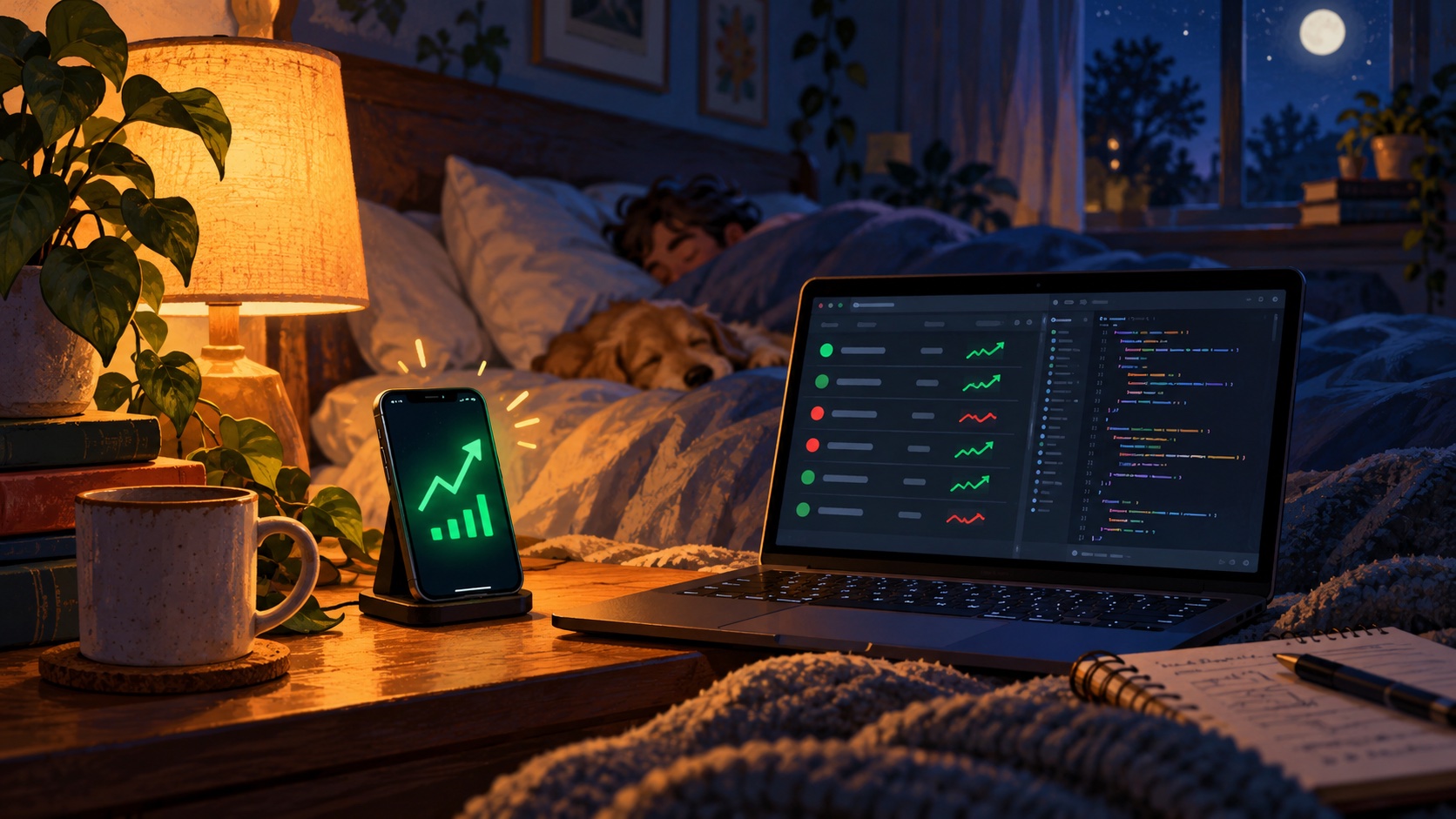
Then there was the online approach. Wake up around midnight. Check local pickup inventory. Wake up again in the early morning. Check again. Maybe something would show up. And when stock does show up, it goes quickly.
I like a new gadget as much as the next person, but this was getting ridiculous.
So I built apple-store-watcher, a little open-source Go application that checks pickup inventory and texts me through Twilio when something I'm watching is available.
Let the computer do the checking
The job is simple. Tell it which products I want and which stores I'm willing to drive to. Have it check periodically. If it sees stock, make my phone obnoxious enough that I'll wake up and do something about it.
I've configured a loud, obnoxious notification and a Do Not Disturb bypass on my phone for these alerts. That part is my phone setup. The application sends an ordinary SMS; it doesn't reach into iOS and change notification settings.
When the text comes, I still need to open Apple's store and place the order myself. The watcher doesn't buy anything or reserve a phone. It gives me a reason to look instead of making me keep looking just in case.
And no, this isn't the part of the story where I tell you I finally got one. I'm still trying.
What it actually checks
The watcher uses Apple's store pickup lookup, the same /shop/retail/pickup-message endpoint you can see in your browser's network requests while checking pickup availability. It searches near a ZIP code, then filters the response down to the stores in your configuration.
Products are identified by Apple part numbers, so you can watch the specific configurations you'd actually buy. The example config has stores around Portland and several iPhone Duo configurations. Replace those with your own choices. The code batches up to eight part numbers in a request; adding more products means more requests per check.
If a store isn't in Apple's response, the watcher logs that rather than assuming it has no stock. You may need a ZIP code closer to that store.
By default it checks every five minutes. That's a compromise. Inventory can appear and disappear between checks, and an SMS can take time to arrive. This isn't instant detection, and being alerted doesn't mean you'll win the race to checkout.
Checking faster isn't automatically better
One lesson from building this: Apple will block these lookups if you ask too often. Once a minute was too often. The response can be an HTTP 541 with a misleading "Page Not Found" page.
The watcher recognizes that block, along with HTTP 429 and 503 responses, and waits longer before trying again: five minutes, then ten, then twenty, up to thirty. A successful lookup clears the backoff.
I'd leave the five-minute default alone rather than turn this into a contest to hit Apple more often. Even that interval isn't a promise that Apple will accept every request. This is a small tool using a storefront endpoint, not an official inventory API with an availability guarantee. Apple can change it.
Getting it running
If you're comfortable with a terminal, the setup is pretty small. You'll need Git, Go compatible with the repository's go.mod (currently Go 1.27), Make, and your own Twilio account with an SMS-capable sending number.
git clone https://github.com/cloudmanic/apple-store-watcher.git
cd apple-store-watcher
cp config.example.json config.json
cp .env.example .env
Edit config.json with your destination phone number in international format, a nearby ZIP code in search_location, your store numbers, and the product part numbers. You can find the store IDs and part numbers in the browser's network panel when you check pickup on Apple's site. The optional text_link adds a link to the message so you have somewhere convenient to start ordering.
In .env, replace the example values with your own TWILIO_ACCOUNT_SID, TWILIO_AUTH_TOKEN, and TWILIO_FROM_NUMBER. Use your own account and sending number, not the example's values. Twilio account restrictions and messaging charges still apply.
On a Mac, start it with:
make run caffeineThat builds the application and uses macOS's caffeinate command to keep an idle Mac awake while it runs. Leave the machine on and connected. make run starts it without that wrapper. Press Ctrl-C to stop it. It verifies the Twilio account at startup, and writes logs to both the terminal and watcher.log.
The README has the configuration details. Keep .env, config.json, and watcher.log private. They're ignored by Git, but that doesn't encrypt them. The config contains phone numbers, and the logs can contain recipients and message details. Don't paste them into a public issue or commit your credentials.
A text I actually want to wake up for
The first detected stock can trigger a text on that check, subject to the global text interval. After that, the watcher repeats alerts on checks while the stock alert remains active. The defaults allow at most one outgoing message per recipient every three minutes, with a limit of thirty texts per store-and-product alert. With five-minute stock checks, that normally means repeats every five minutes, not every three.
Multiple items are combined into a message, subject to a length limit. If an item sells out and later returns, that starts a new alert. The limit keeps one alert from texting forever, though a new run starts with fresh alert state.
Errors and blocks are logged instead of becoming their own wake-up texts. There's an important wrinkle: the program keeps existing alerts through failed checks or missing store responses, so it can repeat a text based on the last known availability. Always check Apple before treating an alert as current stock.
That's also why I want to look at the logs occasionally. Silence might mean no inventory, but it could also mean a blocked lookup, a stopped process, or a messaging problem. Twilio accepting a message doesn't guarantee it has reached my phone.
This is one of the fun parts of being a developer
I spend a lot of time building software for work. Sometimes it's nice to build something because a small, annoying thing in my own life has an obvious software-shaped solution.
I've written about that with my Tradier CLI and my screenshot tool. Different problems, same impulse: I keep doing something repetitive, realize the computer could handle it, and build the missing piece.
This one happens to involve losing sleep over a phone. Maybe that's a silly reason to write software. It was still more interesting than refreshing the same inventory page again.
The code is on GitHub if you want to use it or see how it works. I'm hoping the next time I wake up to check for an iPhone, it's because there's a text worth waking up for.