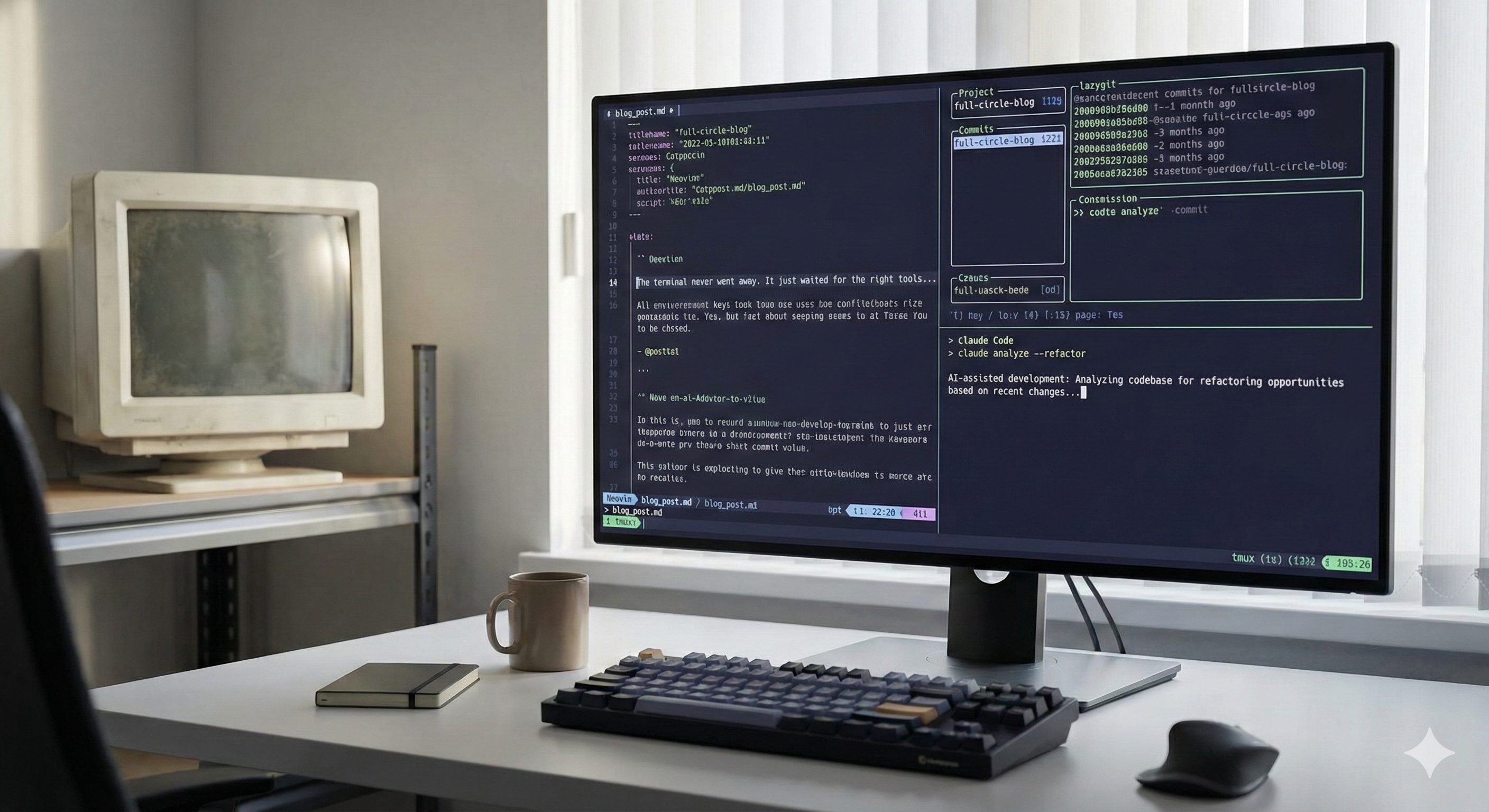
I've written before about how I went full circle back to the terminal. Claude Code, tmux, SSH into a beefy remote box — that's where I live now. The whole desktop GUI ecosystem has melted away. The terminal is back, and it's better than it's ever been.
But there was always one piece of the workflow that never quite fit. The editor.
Today I'm releasing the editor I wish existed. It's called SpiceEdit, it's open source under MIT, and it's a terminal code editor designed for the way I actually work in 2026 — letting an AI agent do the heavy lifting while I jump in to tweak a line, save, and get back to steering.
The Problem with Vim in 2026
Let me be clear up front: I have nothing against Vim. I've used it on and off for thirty years. It's an incredible piece of software, and the people who've mastered it are doing god's work.
But here's what I noticed about my own workflow: I don't actually edit code that much anymore.
Claude Code writes most of it. My job has shifted from "type out implementation details" to "review what the AI did, fix the one weird line, save, run tests, ship it." The actual editing portion of my day measures in minutes, not hours. And when I do edit, it's almost always small surgical changes — fix a typo, change a variable name, tweak a constant.
Vim's superpower is making expert text manipulation extremely fast. But when you only edit code for ten minutes a day, the ROI on memorizing a four-thousand-line vimrc is brutal.
I tried. I really did. I had a Neovim config that I'd been tending for months. LSP plugins. Treesitter. Telescope. Lualine. The whole stack. Every time I needed to do something basic — open a file, find a string across the project, copy a block to my Mac clipboard from a remote SSH session — I'd hit some new wall of configuration and spend twenty minutes yak-shaving.
Meanwhile my coworkers using VS Code were just clicking on things and getting work done.
What I Actually Wanted
I sat down and asked myself: if I were designing a code editor for the way I actually work today, what would it look like?
Mouse-first, not mouse-hostile
I want to click on a file, drag to select text, scroll naturally. The terminal supports the mouse. Editors should too.
Lives natively in tmux and SSH
No fighting with Ctrl+ shortcuts that conflict with my tmux prefix. Copy from a remote server should just hit my local Mac clipboard.
A single binary, zero config required
Drop one file on a server. Run it. Edit. No package manager. No plugin manifest. No vimrc.
Fast. Genuinely fast.
Fuzzy-find through 50,000 files in 150 milliseconds. No spinners. No "indexing your project."
That was the brief. Nothing fancy. Just an editor that respects the fact that I'm an SSH user, a tmux user, and an AI-first developer who needs the editor to get out of the way.
So I Vibe Coded an Editor
Yes, I built a code editor by sitting down with Claude Code and describing what I wanted. The irony is not lost on me. I used an AI coding assistant to build the editor I'd then use alongside that same AI coding assistant. The snake eats its tail again.
But here's the thing — building an editor in 2026 is dramatically more tractable than it was even five years ago. You don't need to write your own terminal renderer from scratch. You don't need to invent your own syntax highlighting. The Go ecosystem already has battle-tested libraries for everything an editor needs.
SpiceEdit is built on top of:
- Bubble Tea — the Charm framework for building terminal UIs in Go. Mouse support, modern rendering, proper key handling.
- Chroma — syntax highlighting for dozens of languages, with a Tokyo Night theme that's easy on the eyes.
- OSC 52 escape sequences — the magic that lets a process running on a remote server copy text directly to your local clipboard, through SSH, through tmux. Just works.
- Plain Go everywhere else — for the file finder, the formatter integration, the buffer management.
The whole thing compiles to a single static binary, around 10 MB. No runtime. No dependencies. Drop it on any Linux box, any Mac, any Windows machine, and it runs. That's the kind of portability you only get with Go.
What It Feels Like to Use
Open SpiceEdit in a directory and you get a clean two-pane layout. File tree on the left, editor on the right. Click any file to open it. Click a line to put your cursor there. Drag to select. Scroll wheel scrolls. Right-click for a context menu. It feels like an editor, because it is one.
Esc-leader hotkeys
Press Esc then a letter. Esc-p for fuzzy file finder. Esc-s for save. No Ctrl+ that fights with tmux. No mode-switching anxiety.
Format on save
Drop a config file mapping extensions to formatters — gofmt, prettier, black, whatever you use. Save, formatted. Done.
SSH-aware clipboard
Select text on a remote box, hit copy, and it lands on your local clipboard via OSC 52. The way it should have always worked.
And the fuzzy file finder is genuinely a joy. Esc-p opens it, you start typing, and matching files surface instantly. I tested it on a repo with over 50,000 files — first match in around 150 milliseconds. No indexing step. No background daemon. Just a fast Go program reading your filesystem.
The whole UX is built around one assumption: you are not going to spend the next eight hours in this editor. You're going to dip in, fix a thing, save, and get back to your agents.
Why Not Just Use Helix or Micro?
Fair question. There are already terminal editors that aim for "easier than Vim." Helix is gorgeous. Micro is approachable. I tried both.
Helix is brilliant but still wants you to learn its modal model. It's faster than Vim for sure, but it's still asking you to invest in a paradigm. For me, in 2026, with most of my code being written by an AI, that investment doesn't pay back.
Micro is closer to the spirit of what I wanted, but its mouse support, fuzzy finder, and SSH clipboard story didn't quite hit the bar I had in my head. It's also based on a different stack and different design choices than what I wanted.
The real answer is just: I wanted to design exactly the editor I wanted, with the specific defaults I wanted, optimized for the specific workflow I have. The AI-native developer in tmux on SSH. That's the user. SpiceEdit is for them.
Install It
SpiceEdit is open source on GitHub: github.com/cloudmanic/spice-edit. On Mac and Linux:
$ brew tap cloudmanic/spice-edit https://github.com/cloudmanic/spice-edit
$ brew install spice-edit
Windows builds are available on the website along with raw binaries for amd64 and arm64.
Once installed, just run spiceedit in any directory. That's it. There's nothing to configure unless you want format-on-save, in which case it's a single config file.
The Bigger Picture
I keep coming back to the same observation. The tools we built for the previous era of software development assume a particular kind of user — one who types most of their code, who lives at a single workstation, who switches between graphical apps. That user still exists, and lots of great tools serve them well.
But there's a new user emerging fast. They SSH into a remote machine where their AI agent runs. They live inside tmux. They steer more than they type. They need fewer features, but they need them to work flawlessly across a network connection. The friction points in their workflow look different from the friction points of a developer five years ago.
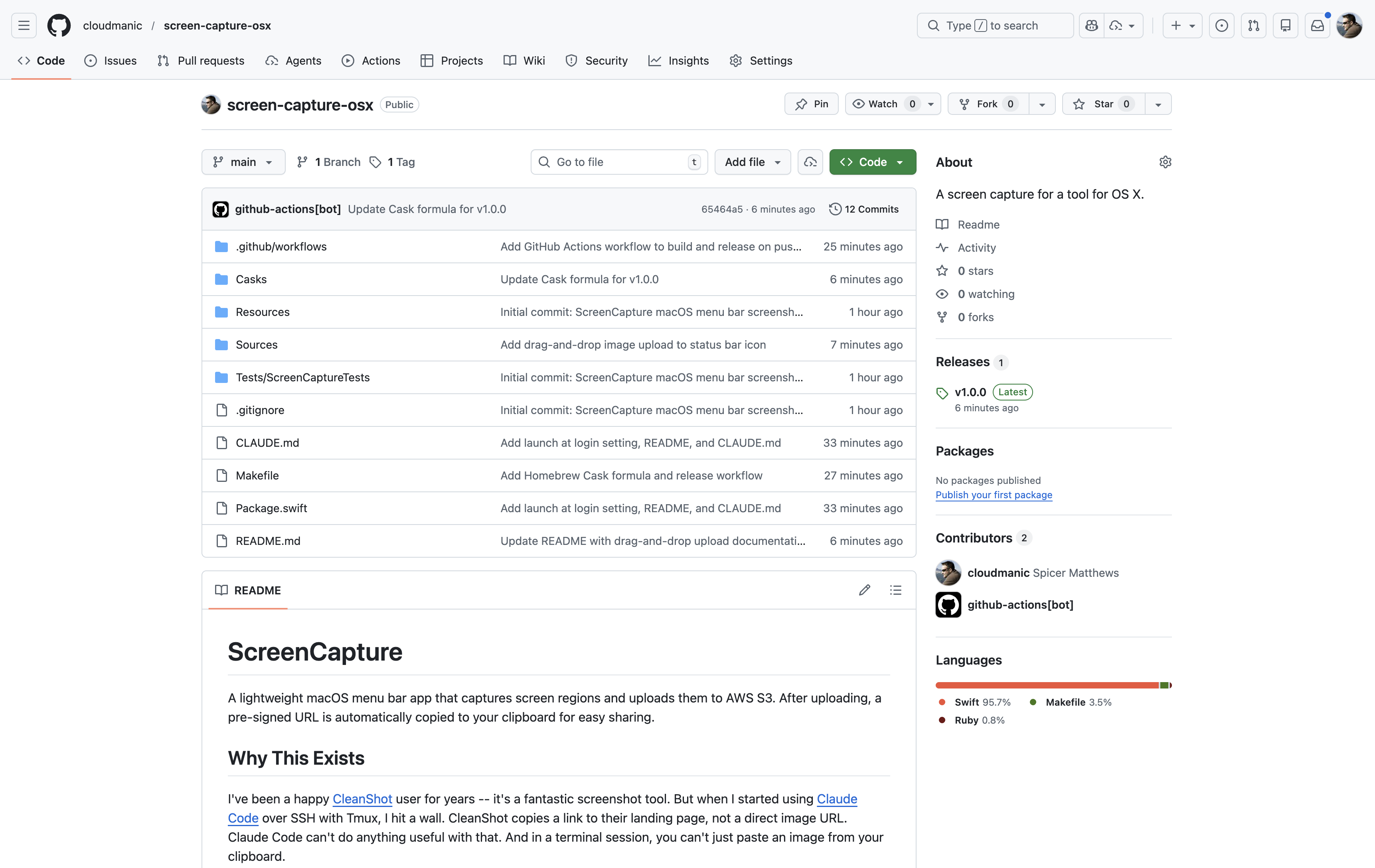
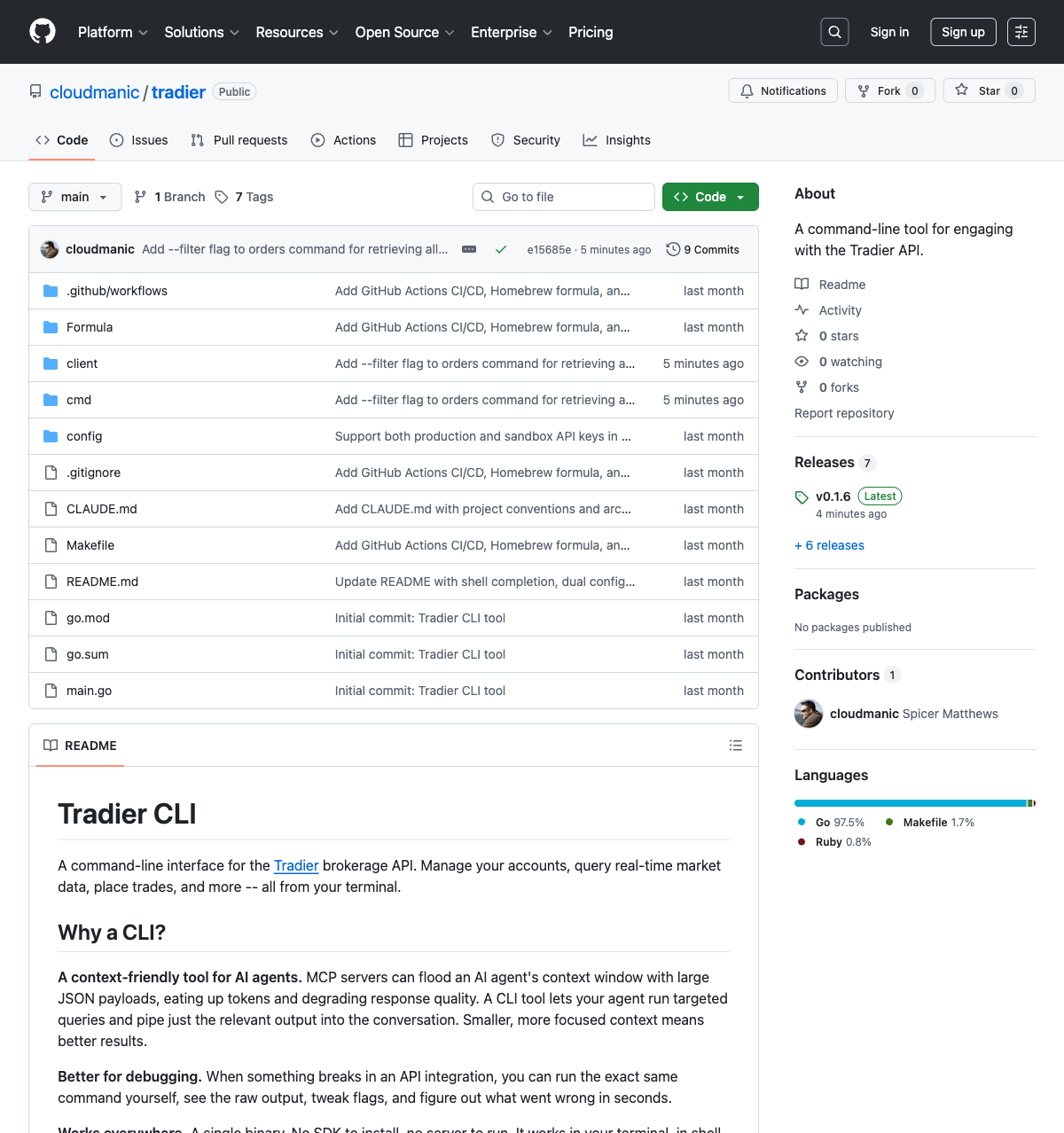
SpiceEdit is one tool for that user. The screenshot tool I built earlier this year is another. The Tradier CLI I wrote about in March is another. They're all answers to the same question: what does the workflow actually need now?
The era of the four-thousand-line vimrc is over.
The era of click-a-file, tweak-a-line, get-back-to-your-agents has started. SpiceEdit is for that era.
If you've been quietly wondering whether there's a better terminal editor for the AI-first workflow you've drifted into — there is now. Try it, star it, file issues, send PRs. I'd love to hear what's missing.
And if you're still happily living in your Neovim config, that's great too. But know that there's a new option for the rest of us, and it's free forever.