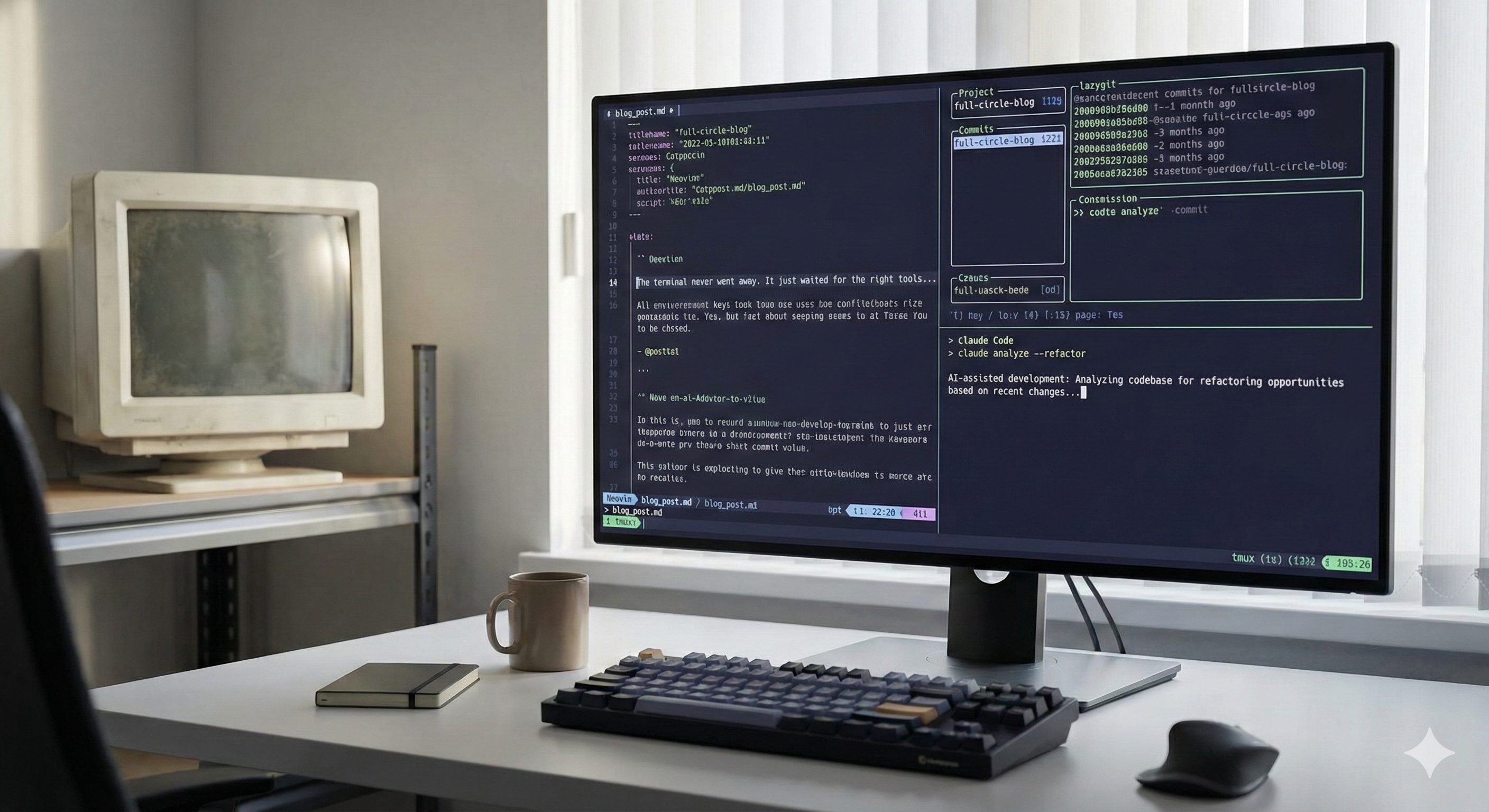
I started my computer career in the late 90s. Everything happened in the terminal. I wrote bash scripts, managed servers over SSH, read my email in Pine, edited files in vi, and navigated the world through a blinking cursor on a black screen. That was just how you used a computer if you were a developer.
Then, over the next ~30 years, I slowly migrated away. I moved to VS Code for editing. Chrome for everything web. Superhuman for email. Slack, Notion, Figma — tool after tool, each one pulling me further from the terminal and deeper into the GUI world. And it felt like progress. The tools were beautiful. The workflows were mouse-driven. The terminal became something I only opened when I absolutely had to.
Now it's 2026, and something funny has happened.
I'm back in the terminal. For almost everything.
Thanks to Claude Code, Neovim, and tmux, I find myself using fewer and fewer desktop and web apps every day. It feels powerful. It feels like coming home.
The irony isn't lost on me. I spent three decades climbing out of the terminal, and now the best tools in the world are pulling me right back in.
The Migration Away
In the late 90s and early 2000s, there wasn't really a choice. If you were building software, you lived in the terminal. GUI tools existed, but they were clunky, slow, and limited. The terminal was where the real work happened.
Then the world changed. Browsers got good. Desktop apps got beautiful. IDEs became genuinely useful. And one by one, I moved my workflows out of the terminal:
- Code editing — From vi to Sublime Text to VS Code
- Email — From Pine to Thunderbird to Gmail to Superhuman
- Git — From command-line git to GitHub Desktop to Tower
- Notes — From text files to Evernote to Notion
- Communication — From IRC to Slack, from Usenet to Twitter
Each migration felt like an upgrade. And in many cases, it was. VS Code is a remarkable editor. Superhuman genuinely made email faster. These tools earned their place.
But somewhere along the way, I ended up with 15 apps open, 40 browser tabs, and a nagging feeling that I was spending more time managing my tools than actually using them.
The Migration Back
The return didn't happen all at once. It started with Neovim.
I'd been using VS Code for years, and it's a great editor. But I kept bumping into the same friction: it's an Electron app. It's heavy. Extensions conflict with each other. Startup time grows with every plugin. And the more I used it, the more I felt like I was fighting the tool instead of using it.
Neovim changed that. With LazyVim as a starting point, I had a full IDE experience — LSP, syntax highlighting, file navigation, git integration — all running in a terminal at native speed. No Electron overhead. No waiting for windows to load. Just instant, responsive editing.
Then came tmux. I'd used it casually for years, but once I committed to it as my primary workspace manager, everything clicked. Instead of switching between app windows, I switch between tmux sessions. Instead of arranging windows on a desktop, I split panes in a terminal. The cognitive overhead dropped dramatically.
And then Claude Code arrived and changed everything. Suddenly, the terminal wasn't just where I edited files — it was where I had an AI pair programmer that could read my entire codebase, run tests, create commits, and build features alongside me. No browser tab. No separate app. Just right there in the terminal, in the flow.
When your editor, your AI assistant, your git client, and your workspace manager all live in the same terminal, you stop context-switching and start flowing.
How I Organize My Terminal Life
"Living in the terminal" sounds chaotic until you see how it's organized. The secret is tmux sessions — each one is a self-contained workspace for a specific project, with purpose-built windows and panes.
When I boot up my machine and run ta_start, a shell script creates all my tmux sessions automatically. On my primary machine, that's 10 separate sessions:
algo-options-cafe
Options trading algorithm development. Claude Code window, lazygit, and a terminal.
backtest-options-cafe
Backtesting environment. Same three-window structure.
web-options-cafe
Frontend work. Split panes for dev server and terminal side by side.
app-options-cafe
Core application development. Claude, lazygit, terminal.
spicermatthews
This blog. Writing, building, and deploying.
kings-loots
Shopify development project.
alpaca-algo
Additional trading algorithm work.
random
Four general-purpose shells for ad-hoc tasks.
Every session follows a consistent pattern: a Claude Code window for AI-assisted development, a lazygit window for version control, and one or more terminal windows for running servers, tests, or whatever else the project needs.
Switching between projects is instant. I hit my tmux prefix key and pick a session. No cmd-tabbing through a dozen windows. No hunting for the right browser tab. Just one keystroke and I'm in a completely different project with everything already set up exactly how I need it.
Managing Dotfiles Across Machines with Stow
I work across multiple machines — different laptops for different clients and projects. Each machine needs a slightly different configuration: different tmux sessions, different SSH keys, different project paths. But the core setup — my shell config, my tmux keybindings, my Neovim config — should be identical everywhere.
The solution is GNU Stow, a dead-simple symlink manager. My dotfiles live in a git repository organized like this:
~/.dotfiles/
├── shared/ # Universal configs (all machines)
│ ├── .tmux.conf # Tmux keybindings & theme
│ ├── .zshrc # Shell configuration
│ └── .config/nvim/ # Neovim + LazyVim
├── rager/ # Primary machine
│ ├── .zshrc_host # Machine-specific shell config
│ └── bin/tmux-setup.sh # 10 tmux sessions
├── stowe/ # Secondary machine
│ └── bin/tmux-setup.sh # 1 focused session
├── gladly/ # Client machine
│ └── bin/tmux-setup.sh # 7 project sessions
└── ileasepro/ # Another client machine
└── bin/tmux-setup.sh # 4 sessions + log tailing
Setting up a new machine (or rebuilding one) is two commands:
cd ~/.dotfiles && stow -t ~ shared
cd ~/.dotfiles && stow -t ~ rager # or whatever hostname
Stow creates symlinks from my home directory into the dotfiles repo. My .zshrc is a symlink. My .tmux.conf is a symlink. My entire Neovim config is symlinked. Every change I make is automatically version-controlled because it's happening inside a git repo.
The shared .zshrc sources a .zshrc_host file at the end, which is where machine-specific overrides live — different project paths, different tmux startup scripts, different API keys. Same core experience on every machine, with per-machine customization where it matters.
Git clone, stow, and you're home. Same shell, same editor, same tmux layout — on any machine.
Neovim: The Editor That Gets Out of the Way
I'm not a Vim purist. I don't have a strong opinion about modal editing vs. normal editing. What I care about is speed and staying in the flow.
My Neovim setup is built on LazyVim, which gives me a full IDE experience out of the box: language servers, syntax highlighting with Treesitter, file navigation, fuzzy finding, git integration through Octo.nvim — all the things I'd expect from VS Code, but running natively in the terminal.
The key difference is responsiveness. There's no Electron layer. No web renderer. No garbage collection pauses. When I hit a key, things happen instantly. After years of VS Code's occasional stutters and extension conflicts, the difference is night and day.
And because Neovim runs in the terminal, it composes perfectly with everything else in my workflow. It's just another pane in my tmux session, right next to lazygit and my running dev server. No window management. No alt-tabbing. Just the work.
Claude Code: The Missing Piece
If Neovim brought me back to the terminal and tmux kept me organized, Claude Code is what made the terminal feel like a superpower.
Every tmux session I create has a dedicated Claude Code window. It's the first window in every project. I use it constantly — to understand unfamiliar code, to scaffold new features, to debug issues, to write tests, to handle refactors across dozens of files.
The magic is that Claude Code operates in the same terminal environment as everything else. It can see my files, run my tests, make git commits, and interact with my entire development stack. There's no copy-pasting code into a browser window. No switching contexts. It's just another tool in the terminal, right where I already am.
Window 1: Claude Code
AI pair programmer with full project context. Reads the codebase, writes code, runs tests, commits.
Window 2: Lazygit
Visual git interface in the terminal. Stage, commit, push, review diffs — all without leaving the keyboard.
Window 3: Terminal
Running servers, executing tests, tailing logs — whatever the project needs.
This three-window pattern — Claude, lazygit, terminal — has become my standard development environment for every project. It's simple, consistent, and covers 95% of what I need to do. The remaining 5%? I can always open another tmux pane.
What I Don't Need Anymore
Here's what's gradually disappeared from my dock:
VS Code
Replaced by Neovim. Faster, lighter, and composes with tmux naturally.
GitHub Desktop / Tower
Replaced by lazygit. Full git workflow without leaving the terminal.
ChatGPT / Claude.ai in the Browser
Replaced by Claude Code. AI that works directly in my codebase, not in a browser tab.
Multiple Desktop Spaces
Replaced by tmux sessions. Switching projects is a keystroke, not a swipe.
I still use a browser — I haven't gone full Lynx. And I still use Slack. But the amount of time I spend in desktop apps has dropped dramatically. Most of my day happens in a single terminal window with tmux managing everything inside it.
Why It Feels Different This Time
I was in the terminal in 1998 because there was no alternative. The GUI world hadn't caught up yet. It wasn't a choice — it was a constraint.
I'm in the terminal in 2026 because I chose to be. The GUI tools are better than ever. VS Code is excellent. Superhuman is beautiful. The browser can do almost anything. I'm not here because the alternatives are bad. I'm here because the terminal, with modern tooling, is genuinely better.
Terminal in 1998
The only option. No GUI alternatives. You lived there because you had to.
Terminal in 2026
A deliberate choice. AI-assisted, beautifully themed, perfectly organized. You live there because it's the best tool for the job.
That distinction matters. The terminal I work in today would be unrecognizable to my 1998 self. Catppuccin color themes. Mouse support. True color rendering. Split panes with a keystroke. An AI that understands my entire project. It's the same blinking cursor, but everything around it has leveled up.
The Full Circle
There's something deeply satisfying about ending up where you started — but with 30 years of context about why it works.
In the 90s, I was in the terminal because it was all there was. In the 2000s and 2010s, I left because the GUI world offered genuinely better experiences for most tasks. In the 2020s, the terminal caught up — and then surpassed — what GUIs can do for developers.
The tools that brought me back aren't replacements for what I left behind. They're something new. Claude Code isn't just "vim with AI." Tmux isn't just "virtual desktops in the terminal." LazyVim isn't just "VS Code but text-based." Together, they create a workflow that's faster, more focused, and more powerful than anything I've used in 30 years of writing software.
The terminal never went away. It just waited for the right tools to make it home again.
Full circle. And it's never felt better.
If you've been living in GUIs and feeling like something is missing — the speed, the focus, the sense of control — give the terminal another look. The tools have changed. The experience has changed. And you might find, like I did, that the best workspace was right where you left it.